The TeamViewer remote maintenance software for screen sharing, video conferencing, file transfers and VPN connections from the TeamViewer AG company of the same name has been updated to version 15.54.3. Among other things, it should now be easier under Windows to remove managers from managed devices.
A variety of innovations and improvements
According to the developer release notes for Windows, TeamViewer 15.54.3 allows users to select one or more devices and remove managers via a button in the command bar. As an additional innovation, it is now possible to access device information via a link on the device dock and lock the device dock inside the dock. In addition, it will be possible to set device manager permissions while creating the rollout configuration.
Additionally, the overview of session participants has been improved in the latest version of TeamViewer. Participants will now see a list of all active participants, each user's usernames/placeholders, their camera currently in view, and whether participants are experts or spectators.
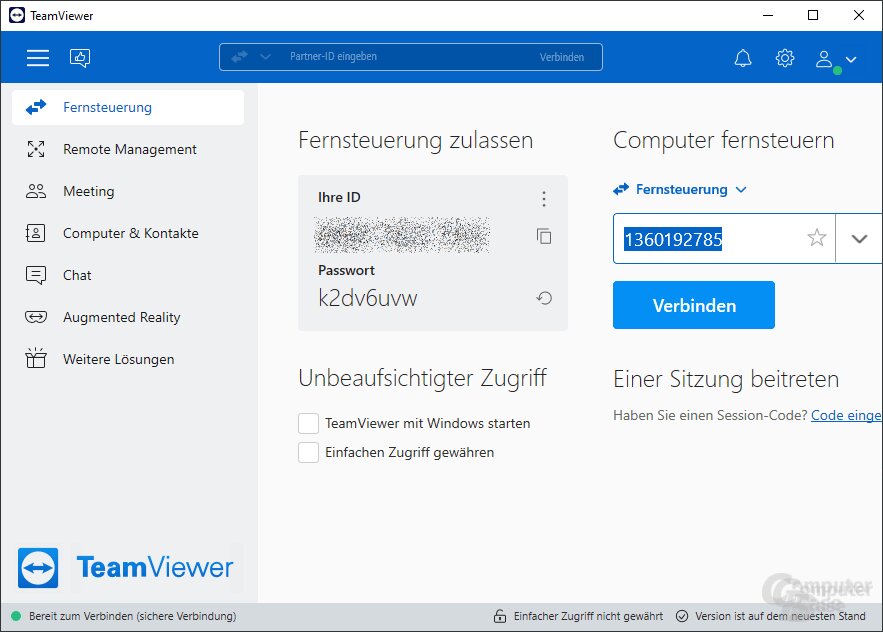
TeamViewer – remote control
Revisions in TeamViewer 15.54.3 for Windows include making sessions initiated from free user accounts require verification of the end user's identity before starting the session. This is intended to ensure increased transparency when linking user accounts to free licenses. In addition, the display of the remote access device panel has been improved. It is now possible to click on this box to add a device. Furthermore, the device base search function can now display the group name in the search results. It is now also possible to define a device group policy during its creation.
Minor bug fixes included
According to the release notes, TeamViewer 15.54.3 for Windows introduces the following new features, improvements, and bug fixes:
New features
It's now easier to remove administrators from managed devices. Users can now select a device (or devices) and remove managers via a button in the command bar.
It is now possible to access device information via Device Dock shortcut.
It is now possible to close the Device Dock from the dock itself.
It is now possible to configure permissions for device managers while creating a rollout configuration.
The overview of session participants has been improved. Participants can now see a list of all active participants, each user's username/placeholder, whose camera is currently being viewed and whether the participant is an expert or a viewer.
Improvements
Sessions initiated by free user accounts will require verification of the end user's identity before the session begins. This will ensure greater transparency when receiving communications from unauthorized users.
It is now possible to select an existing device when adding a device for remote access.
The display of the Remote Access Device box has been improved, and it is now possible to click on this box to add a device.
The Device Base Search feature now displays the group name in device search results.
It is now possible to define a policy for device groups while creating them.
It is now possible to delete devices that require migration or are bookmarked.
Bug fixes
Fixed a bug that caused device names to be removed during device mapping.
Fixed a bug that prevented the toolbar menu from displaying correctly for right-to-left (RTL) languages.
Fixed a bug where special characters were not recognized in chat notification messages on Windows.
TeamViewer 15.54.3 for Windows – Release Notes
Universal desktop sharing software also for conferences
TeamViewer desktop sharing software allows worldwide remote control of any device that has TeamViewer installed and is connected to the Internet. The compressed software can also be used to exchange files or messages. TeamViewer also offers conference mode and is available for various operating systems such as Chrome OS, Linux, macOS, and Windows. Mobile devices are also supported, and the software can be downloaded from the Google, Apple, and Co. app stores. In addition to the full TeamViewer, which is free for private use, there are also other versions designed for special applications. More information, including the scope of jobs, can be found on the official website.
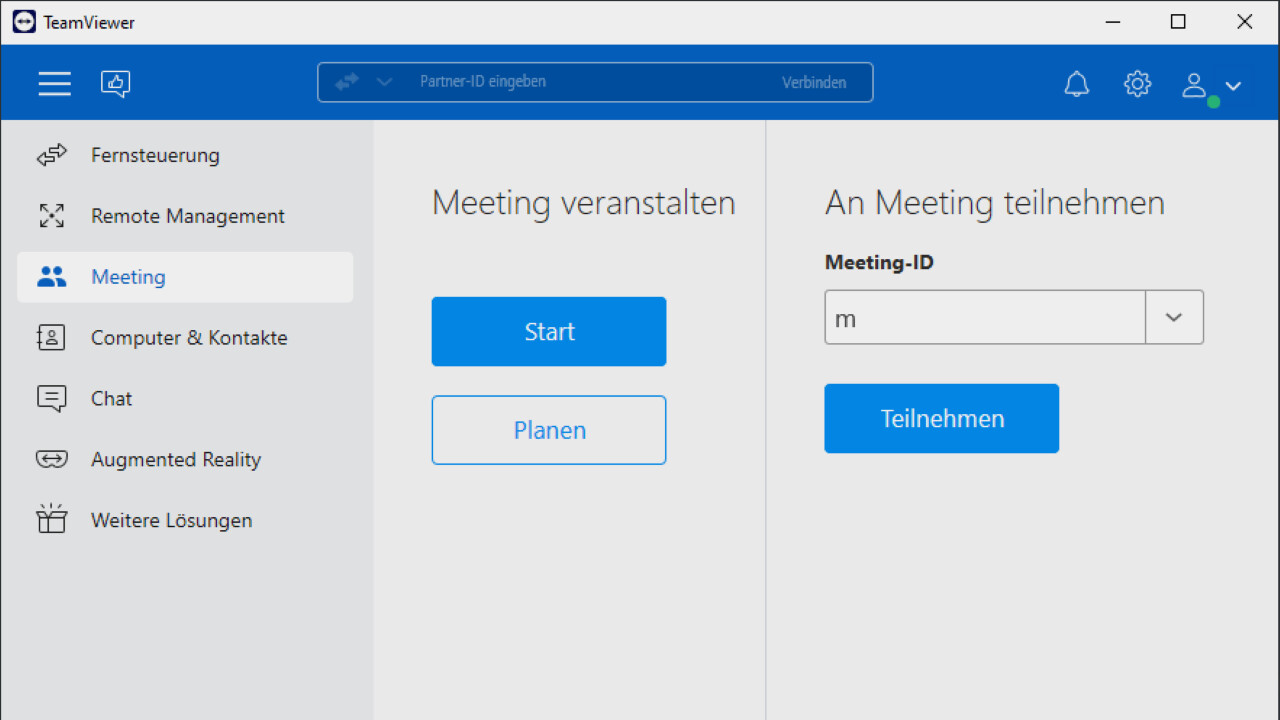
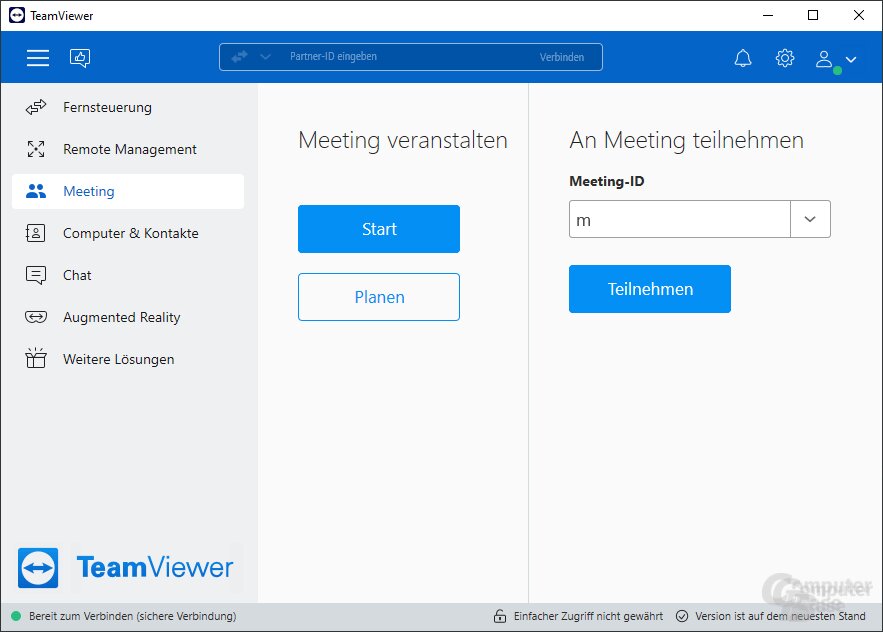
TeamViewer – Meeting
Download on ComputerBase
TeamViewer 15.54.3 can be downloaded as usual from the ComputerBase download area directly below this post. Alternatives to TeamViewer are AnyDesk, Iperius Remote, and RustDesk.
Downloads
3.8 stars
AnyDesk is a program for remote access to your computer or external computer.
Version 8.1.0, Mac German
Version 8.0.10 German
Version 6.3.2, Linux German
2.4 stars
Iperius Remote allows remote access to your own or external computers.
4.6 stars
RustDesk is a free, platform-agnostic remote maintenance software, i.e. for personalized help.
3.8 stars
TeamViewer is a remote maintenance software for screen sharing, video conferencing, file transfer and VPN.