


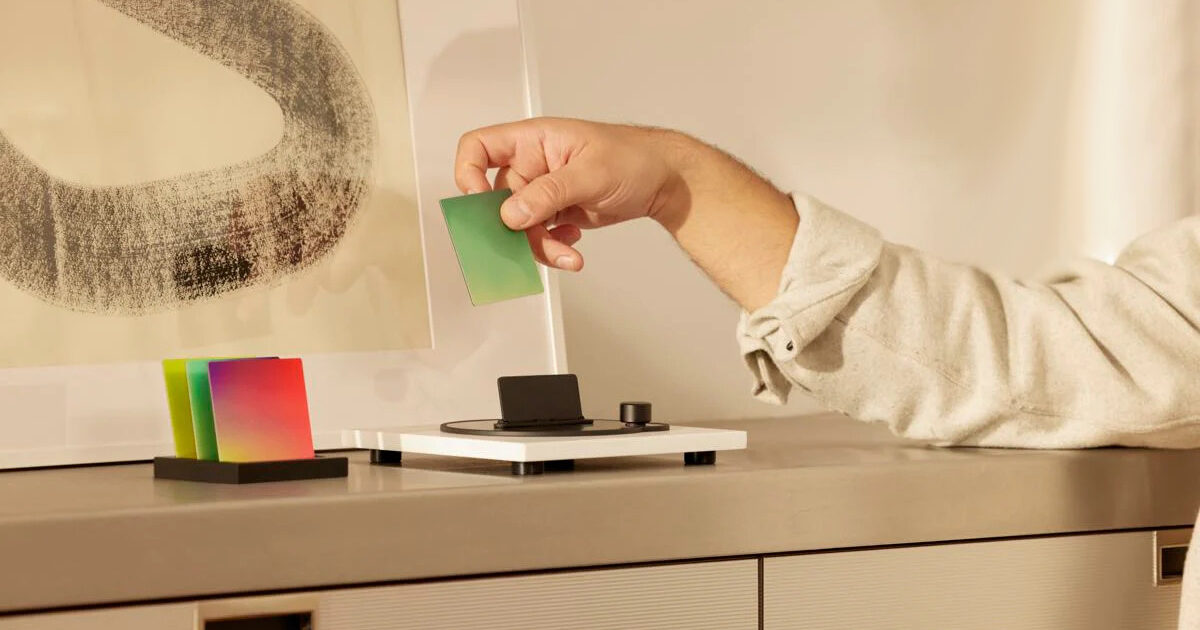
When was the last time you sat on the couch and listened to music? Without a smartphone or tablet, without a computer and without interruption? Maybe that was a while ago. Nowadays, we mostly listen to music casually – while washing dishes, on the go, at work. It wasn't always like this. Just a few decades ago, listening to music was an activity in itself. At that time, people would pick a record or cassette tape off the shelf, put it on the record player or cassette recorder and devote themselves exclusively to music.
Today it is more difficult. Because in order to use music applications such as Spotify or Apple Music, we have to choose a smartphone. Then the following happened: a Whatsapp message appeared. An email comes. You remember your shopping list and get lost searching online. The music became a background affair.
Do you miss the days when you didn't need a mobile phone to fully enjoy your favorite songs? Then we have the perfect solution for you: MoodPlay for Sonos.
What is MoodPlay?
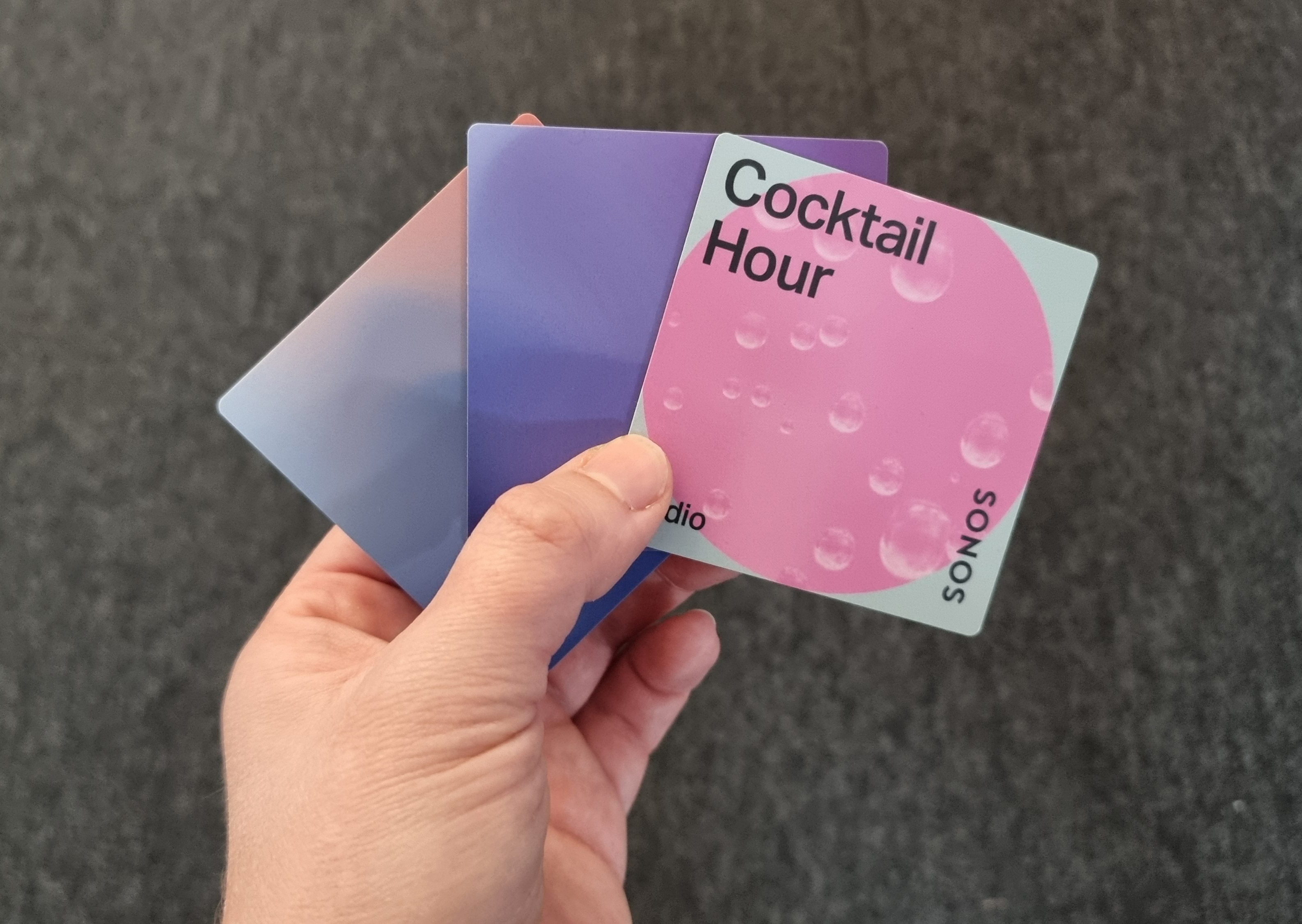
It's best to imagine the MoodPlay device as a kind of modern record player. Instead of records, the device uses NFC tags on which playlists are stored. You can also save radio playbacks, audio files, or radio stations to colored tiles so you always have exactly the content you want to hear.
It's important to note that MoodPlay is compatible with the Sonos system. So you definitely need one or more Sonos speakers that can connect to MoodPlay. Installation after that is very easy.
How to use MoodPlay?
In order for you to be able to listen to your music without any obstacles in the future, you just need to follow a few steps:
- Download the MoodBlock app on your smartphone.
- You then connect MoodPlay to the app and to your WiFi system.
- If this works, establish the connection between your Sonos speaker and MoodPlay.
- The final step is to load your NFC cards. This works with content from Apple Music, Amazon Music, Spotify, and Sonos Radio. Select the playlist you want.
- To upload the card, copy the playlist URL and paste the link into the MoodBlocks app. Then hold the corresponding card with your smartphone and it will be written via NFC.
- Insert the card into the device and enjoy the music.
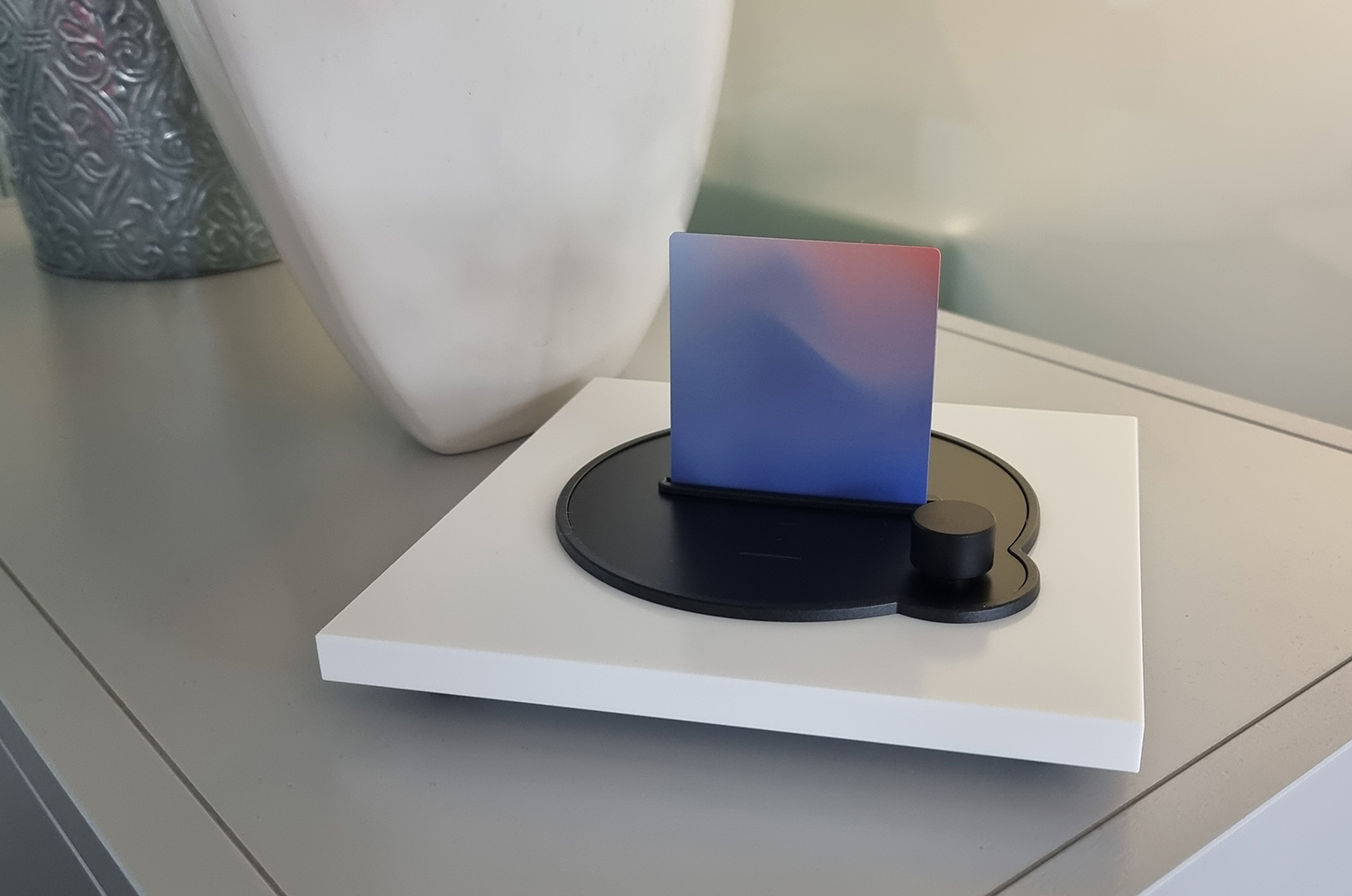
MoodPlay can be easily operated via the touch interface. This makes starting or stopping music or skipping and repeating songs easy. You can also easily control the speakers using a physical wheel. This way, you can immerse yourself in your music – without any distractions or interruptions.
