


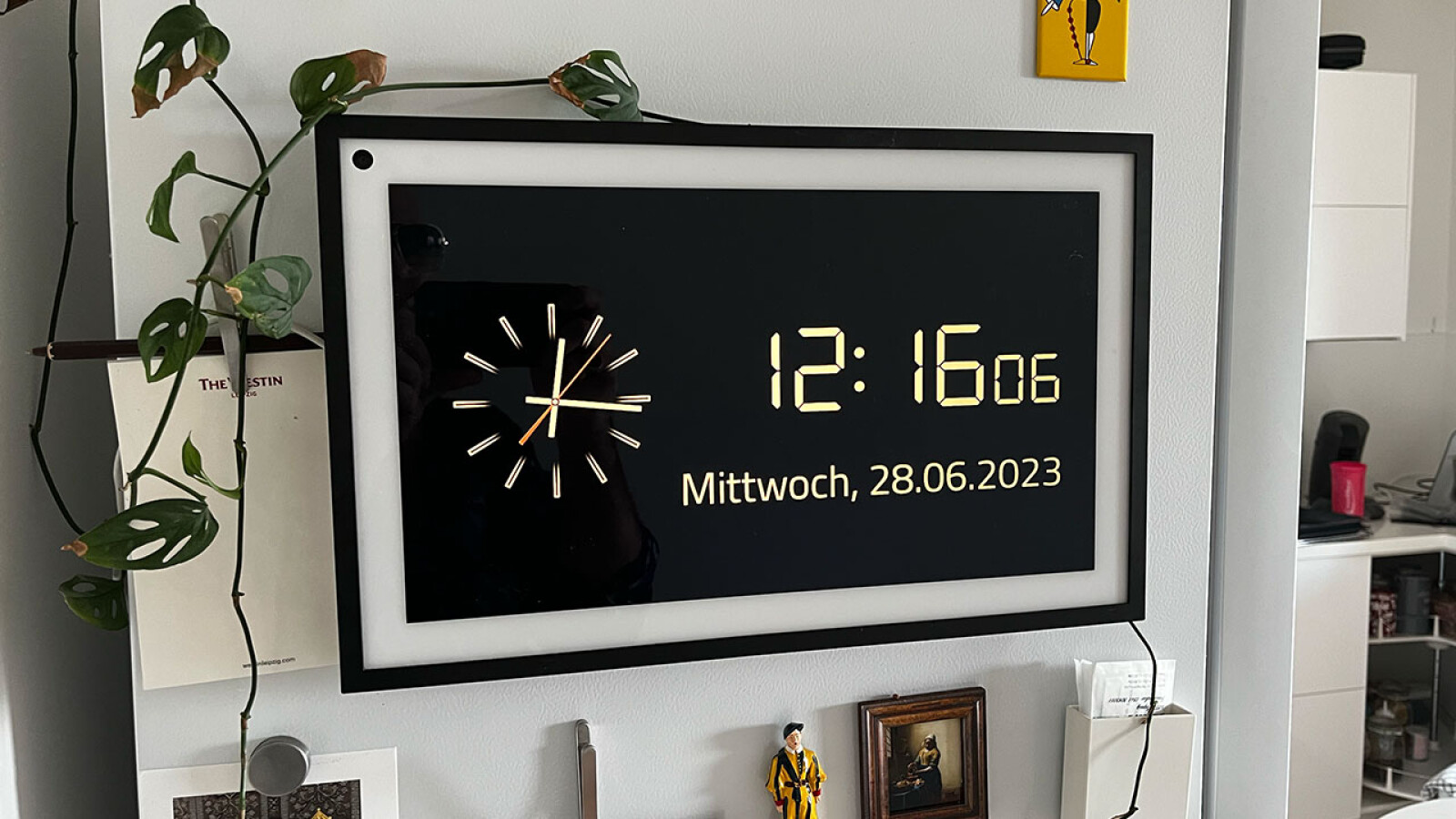
The Echo Show happily rotates weather reports, calendar events, and other content across its homepage. But is it also possible to display individual home page content permanently?
The Echo Show is the all-in-one device among Amazon devices. From the alarm clock on the bedside table to the shopping list in the kitchen to the Spotify radio or the Netflix screen, a smart display can be anything. But can just one piece of content, such as the weather, be displayed permanently if desired?
Although the Echo Show has many different functions, customizing the Amazon screen user interface is unfortunately not as easy and free as many of you would like.
On most devices in the series, apps cannot be installed directly nor widgets permanently displayed with weather or calendar feeds. The Echo Show 15 breaks new ground by showing off permanent widgets and app installation via Fire TV.
Rotation on the Echo Show can only be turned off to a limited extent
The following applies to all other Echo Show users with screen sizes from 5 to 10: If you want to improve your home screen display, do so on the principle of exclusion and simply turn off everything that is no longer meant to be displayed on the home screen. a screen.
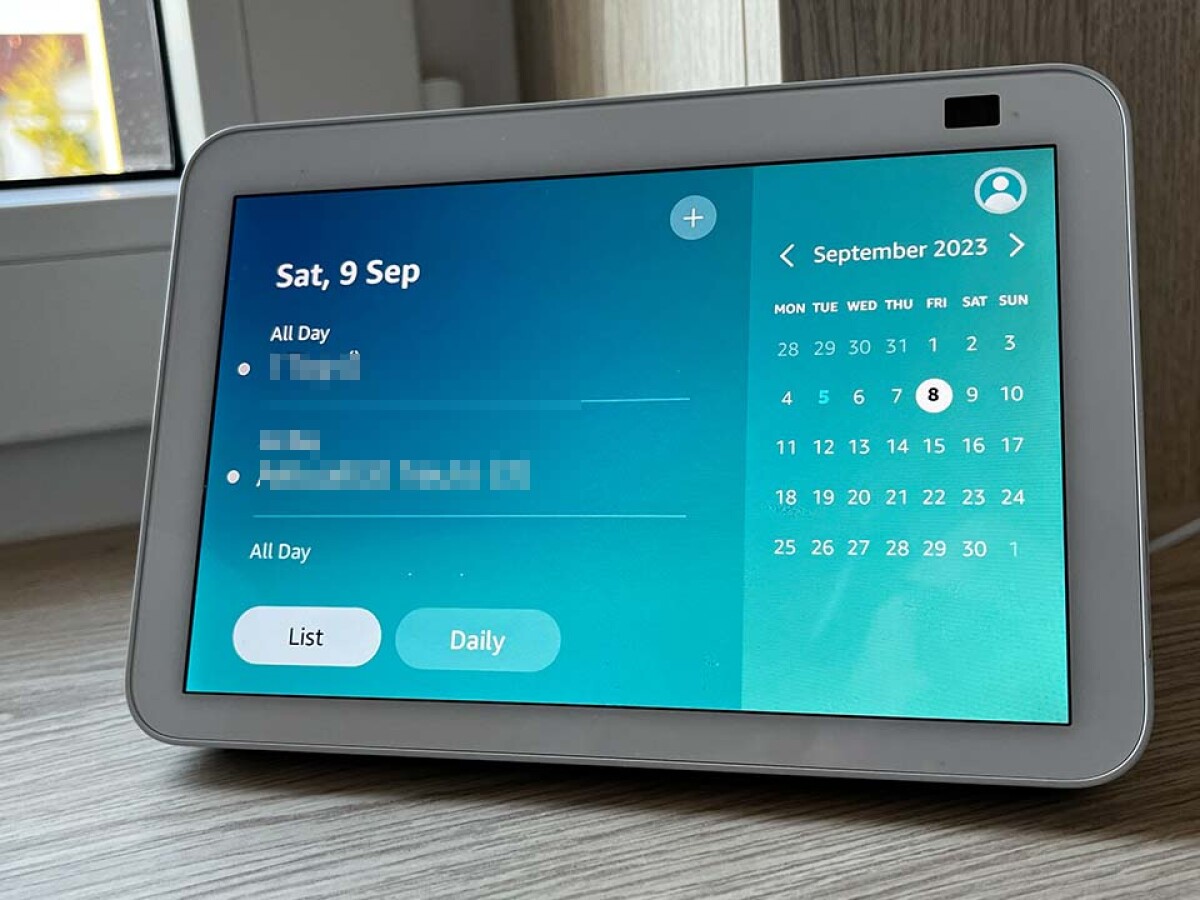
The calendar can only be displayed permanently on the Echo Show if the widget is manually opened and maximized. (Source: Richard W. Schaper)
But even turning off almost all apps doesn’t completely stop rotation on the Echo Show’s home screen. However, there are exceptions – and a few tricks on how to best use Amazon Screen depending on your needs.
Echo as a clock: The trick with a screensaver
In fact, the Echo Show shows the time most of the time. Depending on how much home page content you have turned off, the only thing you can see are background images with a time and date stamp and an outside temperature display.
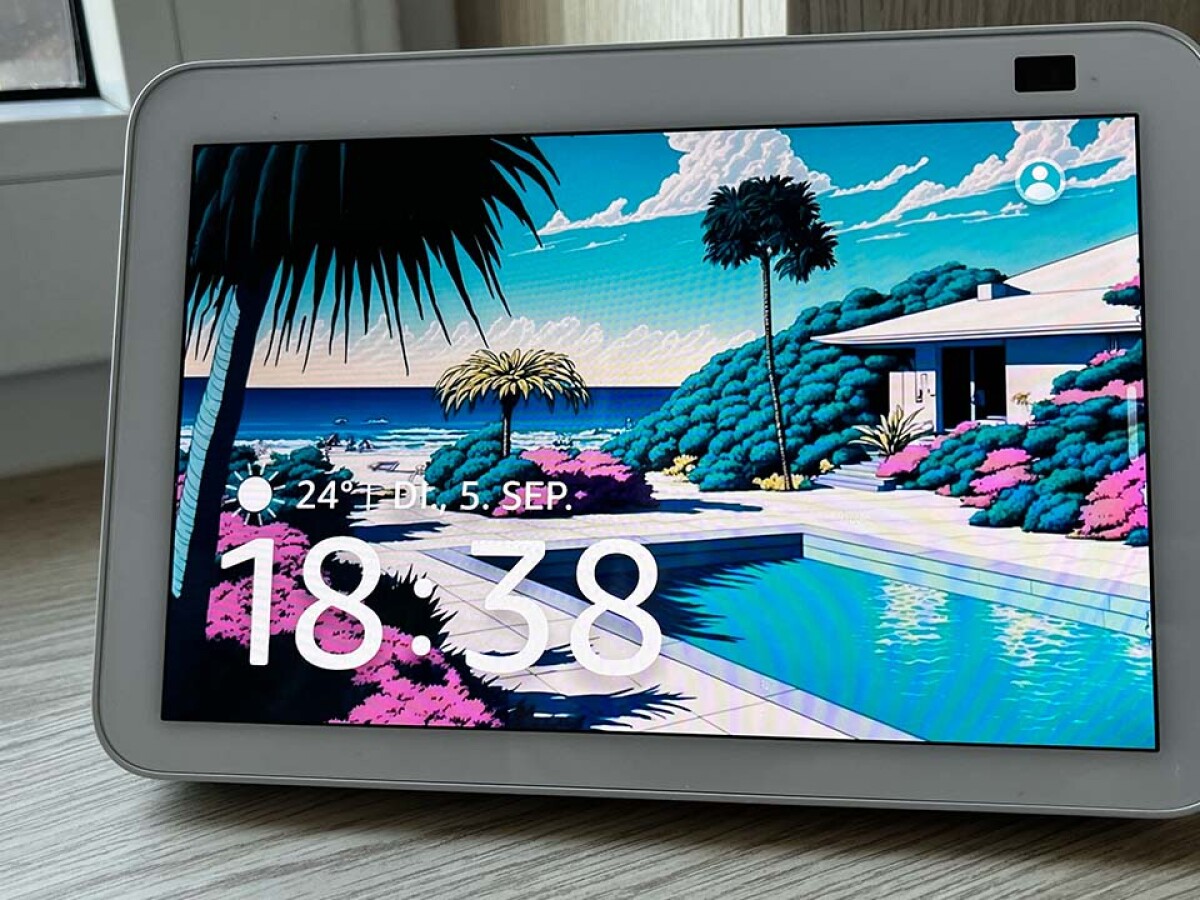
If you don’t find the standard time display on the Echo Show large enough, you can use third-party apps to help. (Source: Richard W. Schaper)
If that’s not enough for you and you’d rather use the Echo Show as a wall clock, you can use third-party apps to set up a permanent screensaver with the time displayed and thus overlay the Amazon ads column on the homepage.
The Echo Show continuously shows the camera feed
While it is not possible to display the time static using the Echo Show’s native means, it is certainly possible to use camera feeds from the Echo Show or a connected Ring camera.
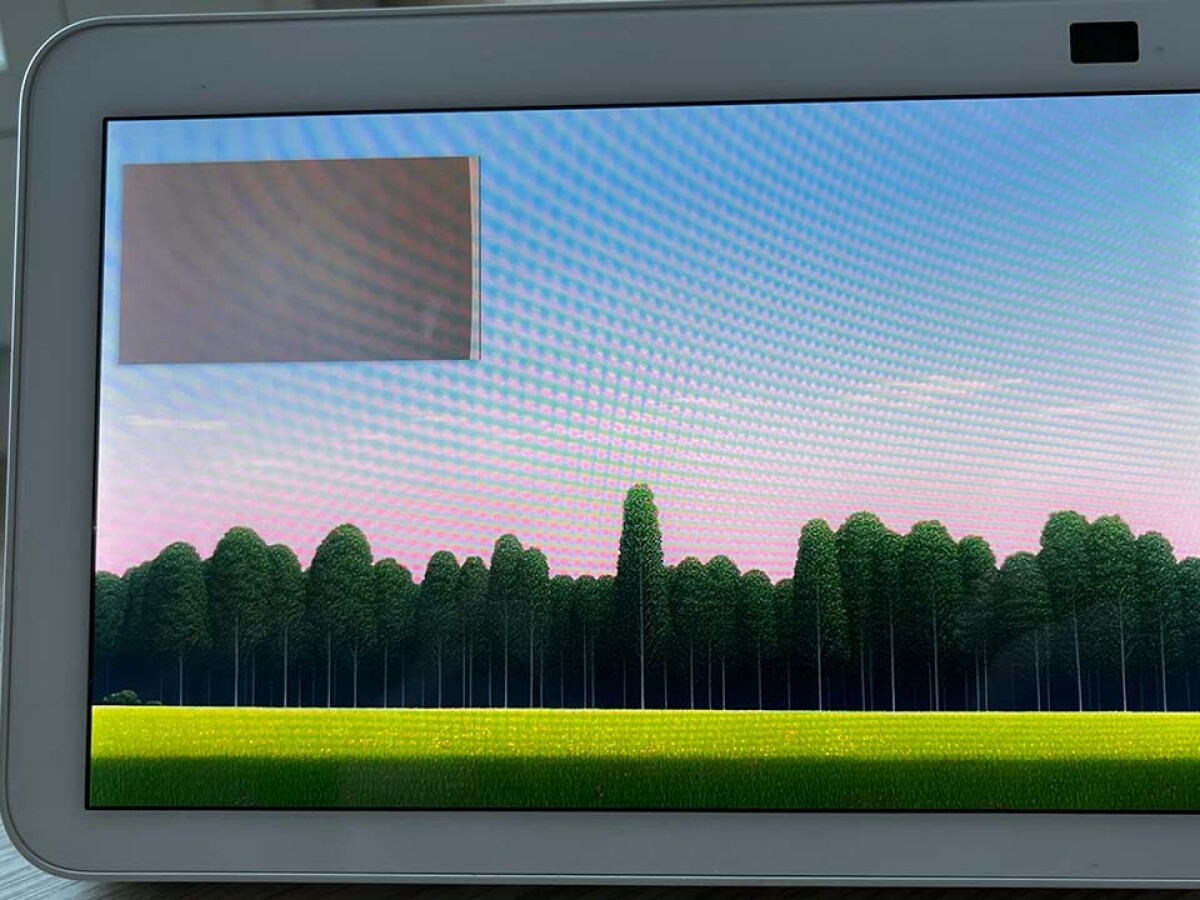
The camera view must also always be turned on manually, and then on permanently – also as a picture-in-picture view when you leave the view. (Source: Richard W. Schaper)
If you leave the camera view, picture-in-picture playback starts automatically. You can read how you can view the device’s camera image on the Echo Show in the linked detailed Netzwelt instructions for using the camera on the Echo Show.
This is how you hide all of the Echo Show’s displays
Instead of a specific show, wouldn’t you like to see nothing on your Echo Show except your chosen wallpapers and personal photos? Then follow these instructions and simply use your Echo Show as a glowing picture frame.
Using the Echo Show as a digital photo book lets you hide everything from the time to Alexa tips. However, only for a certain period of time: After three hours, the Echo Show returns to its regular home screen.

Don’t miss anything with this one network worldthe news
Every Friday: the most useful and entertaining summary from the world of technology!
